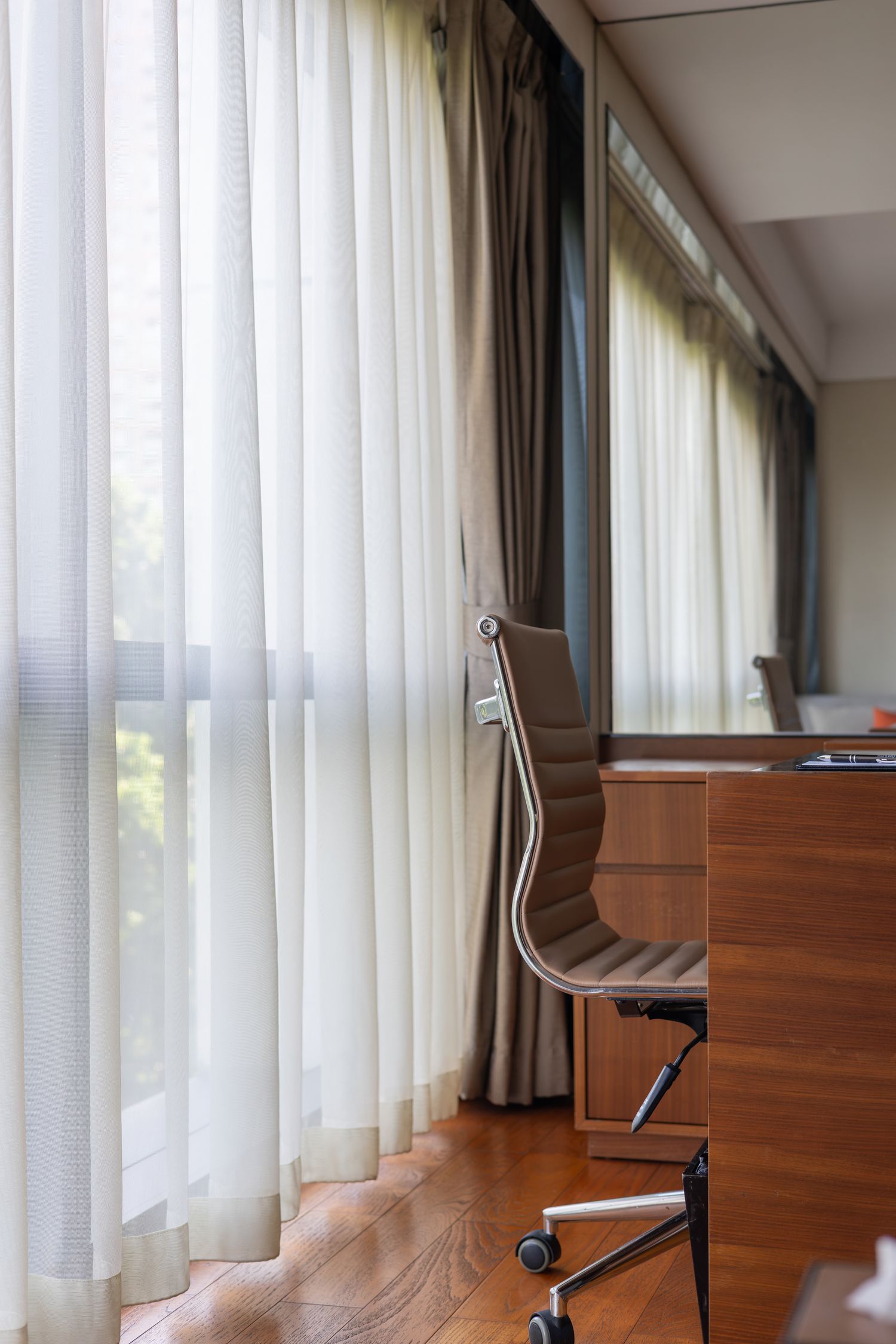
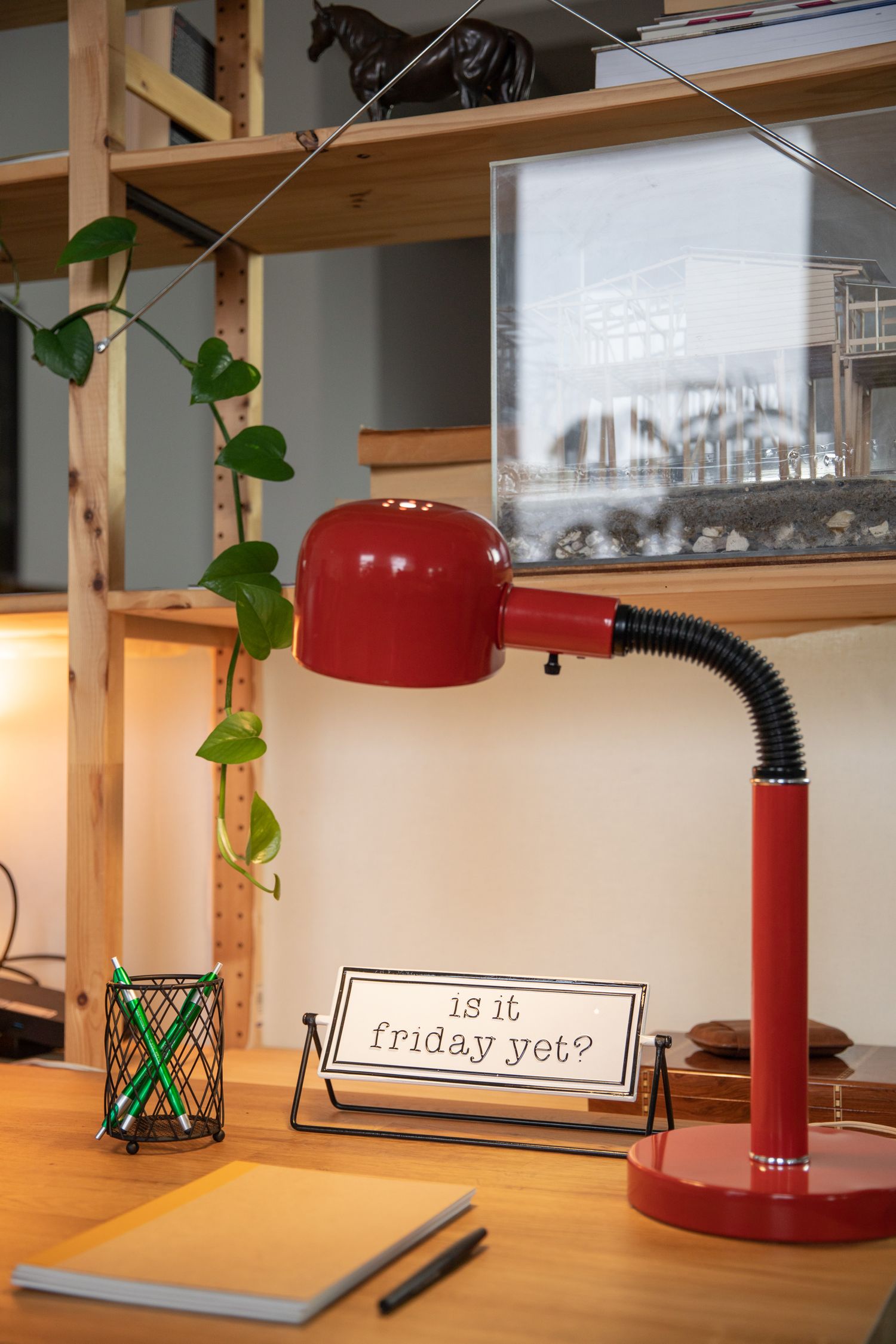
Desk dimensions for real equipment
A desk's width is only one part of its usable size. The monitor base, keyboard, cables and space for your legs determine whether the surface works once the equipment is in place.
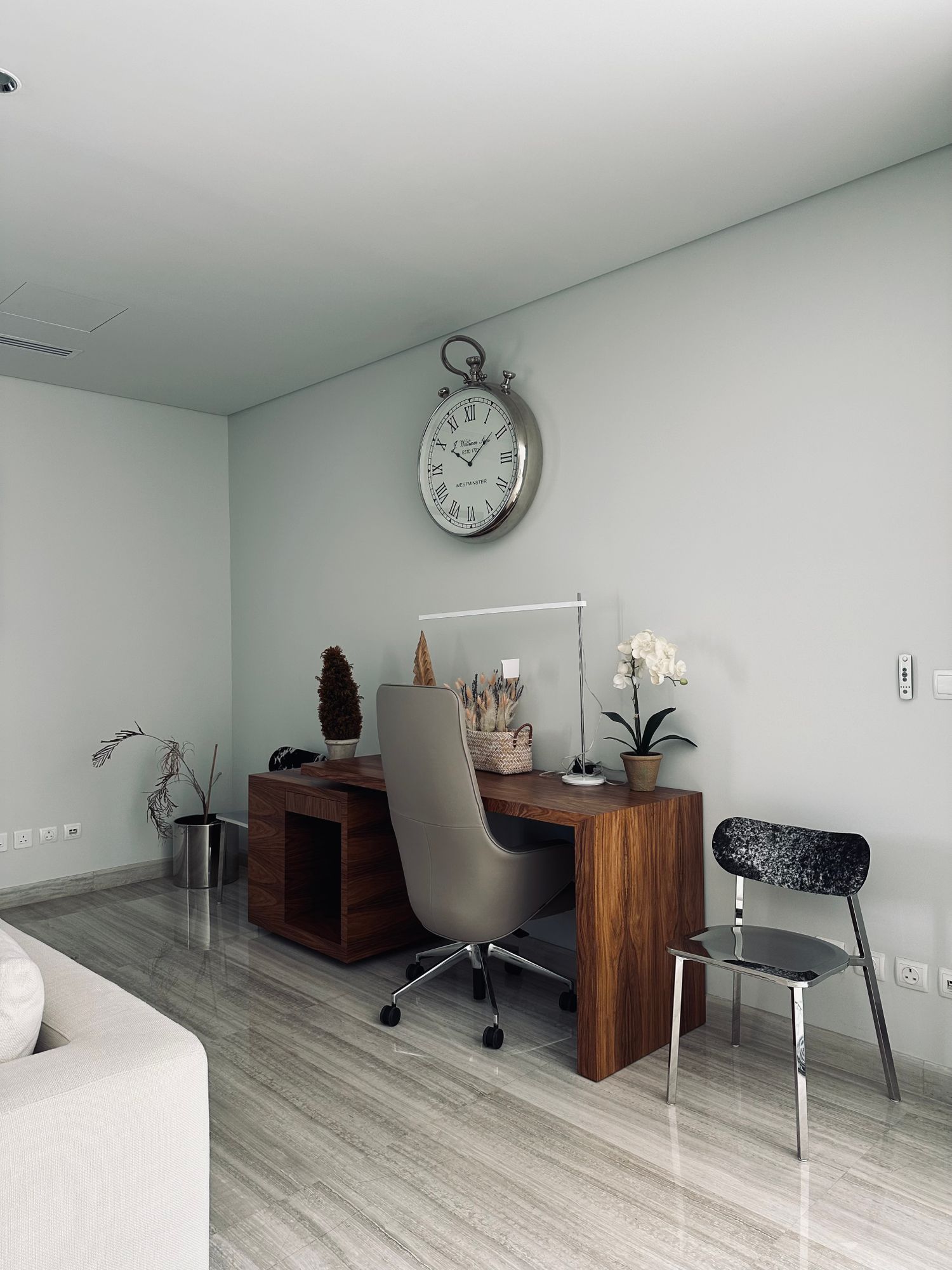
Make a full-size equipment layout
Measure the footprint of the monitor stand, keyboard, pointing device and any item that stays open during work. Include a notebook or reference document if you regularly use one. Arrange paper outlines on the existing desk or another table. This reveals overlapping corners and missing mouse space more clearly than adding the advertised widths of separate products.
Keep occasional equipment separate from permanent equipment. A printer that is used once a week may not need to occupy the main work surface. Conversely, a docking station used every morning needs an accessible place even if it is small. Label the outlines by function so a visually tidy arrangement does not hide something you reach for repeatedly.
Depth has to include the screen and its connections
Measure the monitor base from front to back and add the clearance required by the rear connectors. A shallow desk can leave little room between a large base and the keyboard. OSHA's workstation purchasing guidance treats monitor placement, keyboard space and additional work materials as related requirements. Use that relationship to evaluate a proposed desk rather than selecting a depth from appearance alone.
A monitor arm can change the footprint, but it introduces its own mounting and movement requirements. Check the desk's material, edge thickness and the arm's approved attachment before counting the saved space. Include the room needed behind the desk when the arm moves. Do not assume an arm will fit a decorative rear rail or a hollow desktop.
Look underneath before adding storage
Measure clear knee and leg space between supports, drawers and crossbars. The outer width of a desk can be generous while the opening beneath it is narrow. Sit in the intended chair and simulate pulling close to the keyboard. Check whether armrests, drawer fronts or a low apron prevent the chair from reaching the useful position.
Plan where a computer tower, footrest and cable tray will go without occupying the same space. The floor under a desk is not automatically spare storage. A low shelf can be convenient for equipment but interfere with changes in leg position. Make these conflicts visible on the plan before buying separate organizers that each seem small.
Test the room around the desk
Mark the desk outline on the floor and pull the chair back as you would to stand up. Open nearby doors and drawers. Include access for cleaning and reaching outlets. A desk that fits between two walls may still make the room awkward if the chair blocks a passage whenever someone uses it.
Check the delivery route as well as the final footprint. Doorways, stair turns and the size of assembled parts affect whether a purchase reaches its destination. Read the assembly instructions before assuming a desktop or frame can be separated. Keep the necessary hardware and assembly information with the project rather than relying on the retail photograph.
Choose adjustment for a real purpose
If comparing fixed and adjustable desks, identify who uses the surface and which working positions need to be accommodated. Check the actual adjustment range with the intended chair and equipment. Cable slack must follow the full movement of an adjustable desk without pulling on sockets. A desk should make the chosen work arrangement possible, not force every accessory into a narrow leftover strip.