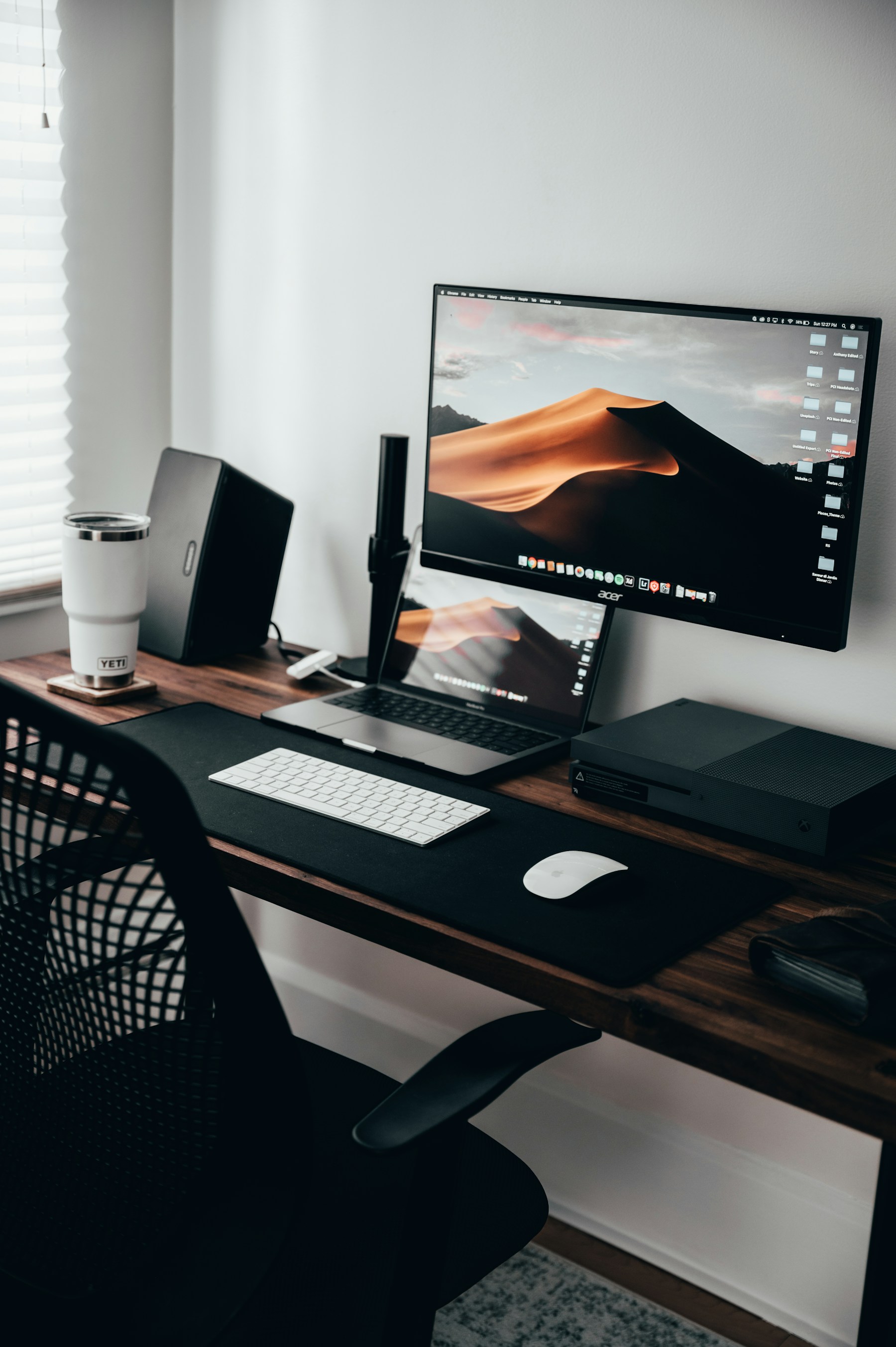
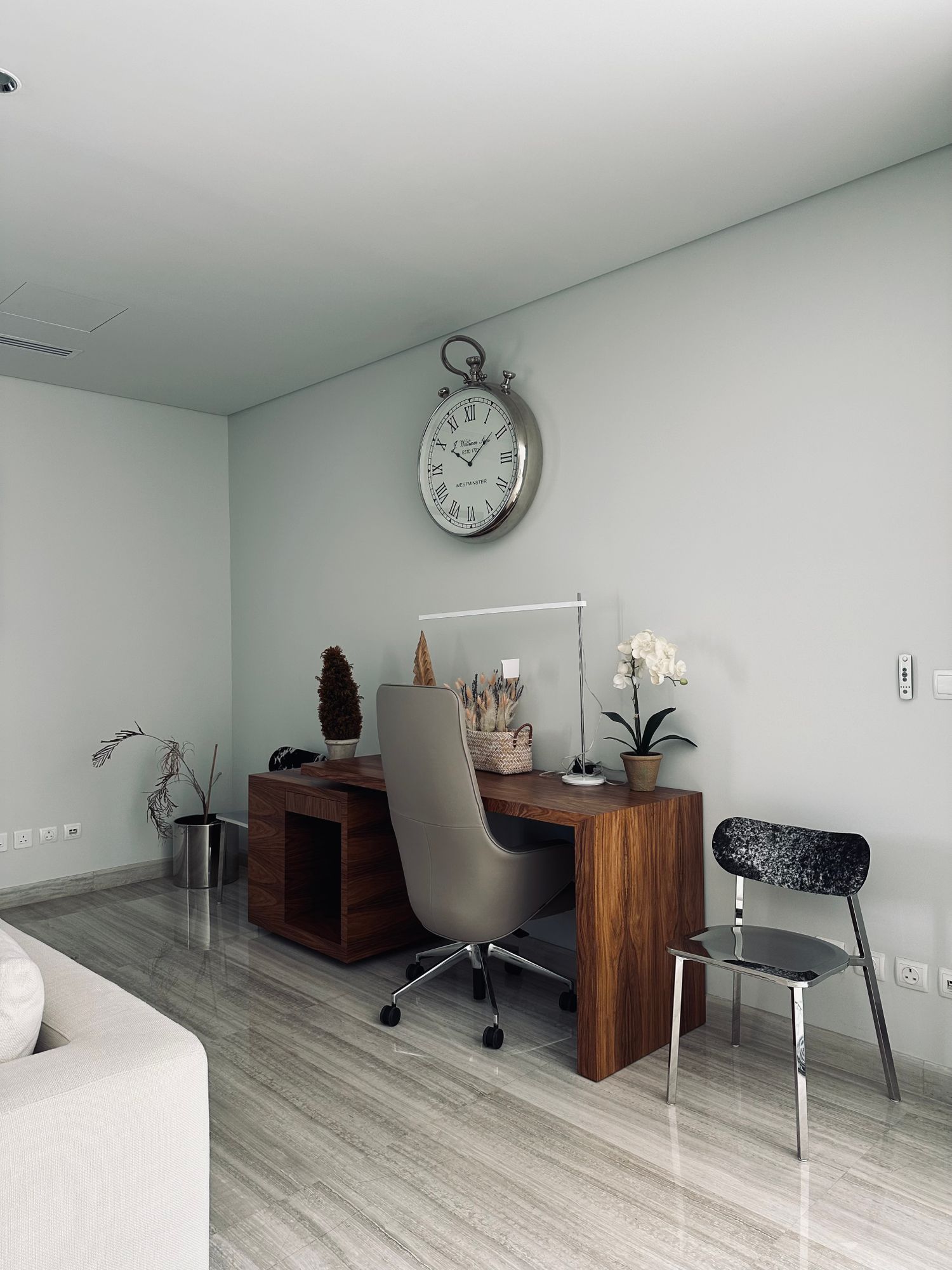
Desk calculators with readable keys
A desktop calculator is useful when entering figures feels more direct than opening an app. Choose the display and key arrangement around the calculations you repeat, not around the longest list of specialist functions.
Use a familiar calculation as the test
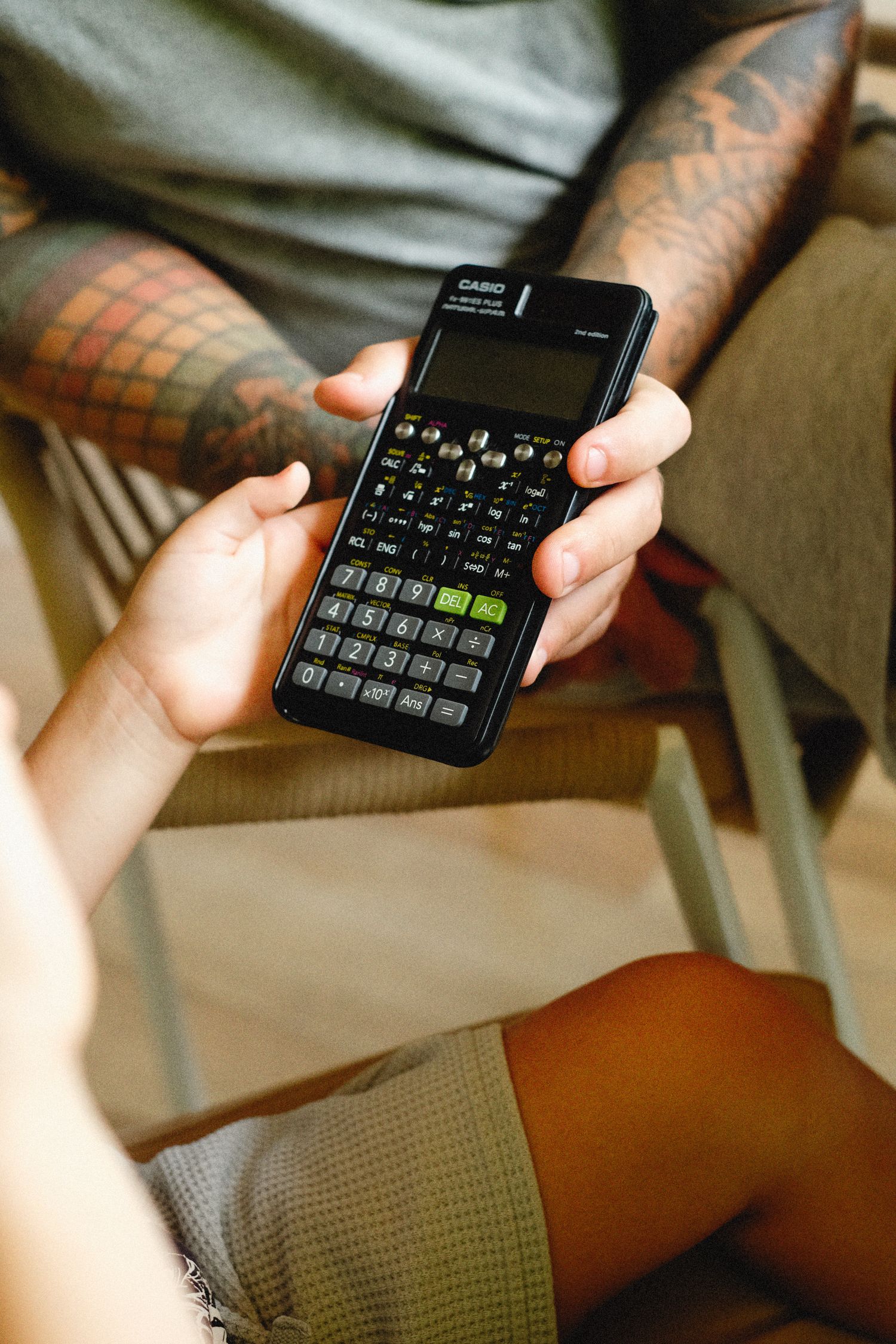
Write down a short example of the work you normally do, such as adding a shopping list or comparing quantities for a project. Try it on the candidate calculator. Check the location of the decimal point, clear key and equals key. A layout that looks familiar in a photograph may still place an often-used key where your finger expects something else.
Distinguish clearing the last entry from clearing the entire calculation. Read the meaning of memory, percentage and rounding controls before relying on them. Different calculator styles can handle some sequences differently. Check a result against a known example rather than assuming the presence of a percentage symbol guarantees your preferred workflow.
Read the display from the desk
Place the calculator where it would sit beside papers and look at the display from your normal chair. Contrast and viewing angle matter as much as the height of the digits. A tilted screen can help, but it should not reflect the desk lamp directly. Check that negative signs, decimal points and memory indicators remain distinguishable.
Consider how many digits your actual calculations require. Extra display width adds little if ordinary figures already fit, while an inadequate display can hide a result you need. Do not confuse a large physical screen with a greater number of usable digits. Read the specification and test an example near the length of your typical input.
Compare stability and maintenance
Press keys near the corners and see whether the body rocks or slides. Distinct key travel can be easier to confirm than a flat, closely spaced panel, but personal preference varies. Try using the calculator with a paper document next to it. The base should not occupy so much space that the source figures become awkward to read.
Check how the calculator is powered and whether any battery is replaceable. A solar panel does not necessarily mean the device contains no battery. Read the model's instructions for low-light use and replacement. Keep the manual available if special tax or rounding settings are used, and verify those settings after a battery change.
Store the calculator where loose objects cannot hold a key down or damage the display. Clean it only by the recommended method. The best fit for a household desk is a calculator whose ordinary entries are easy to see, confirm and correct, with no unnecessary complexity between the paper and the answer.