External keyboards and desk depth
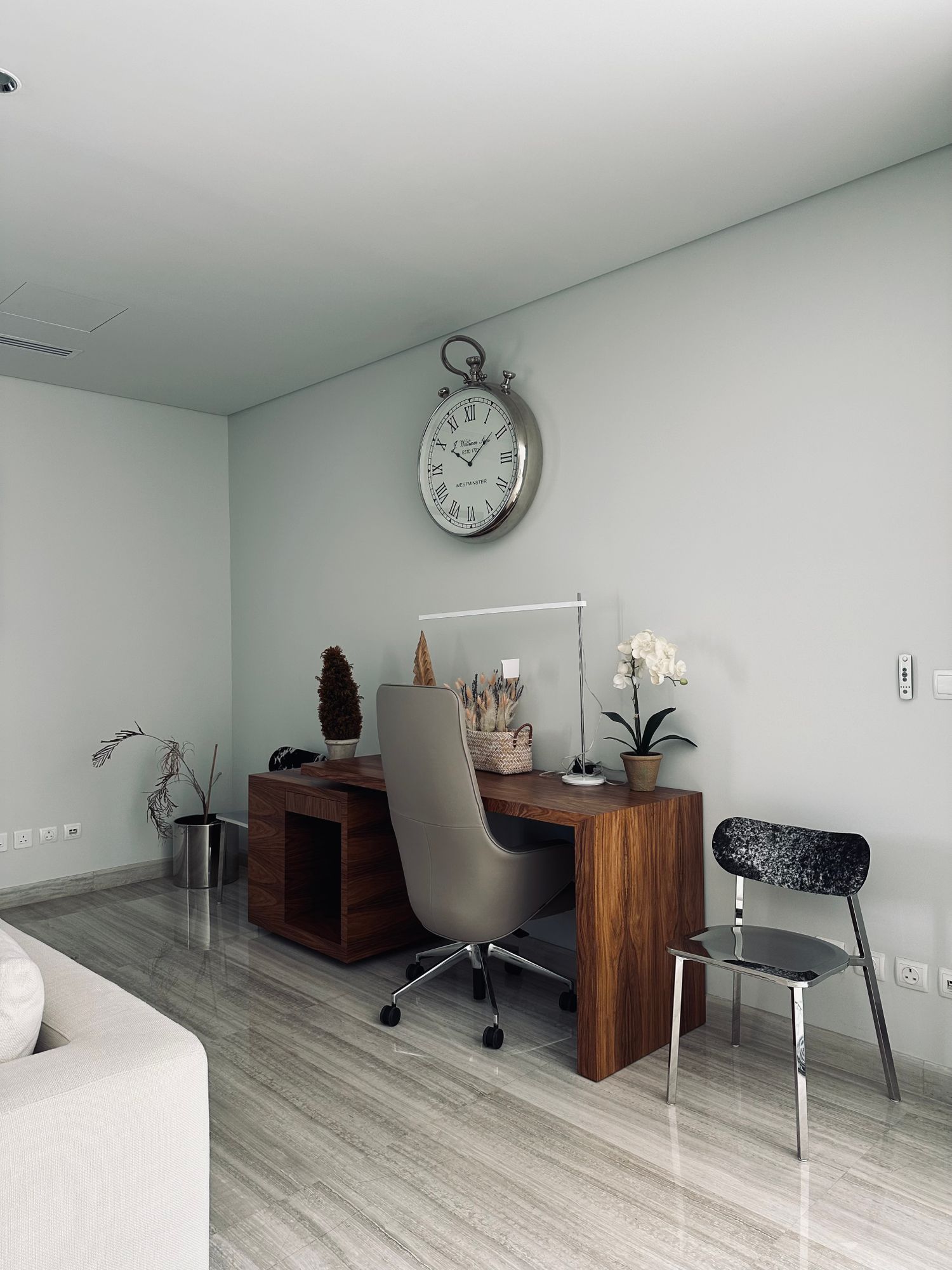
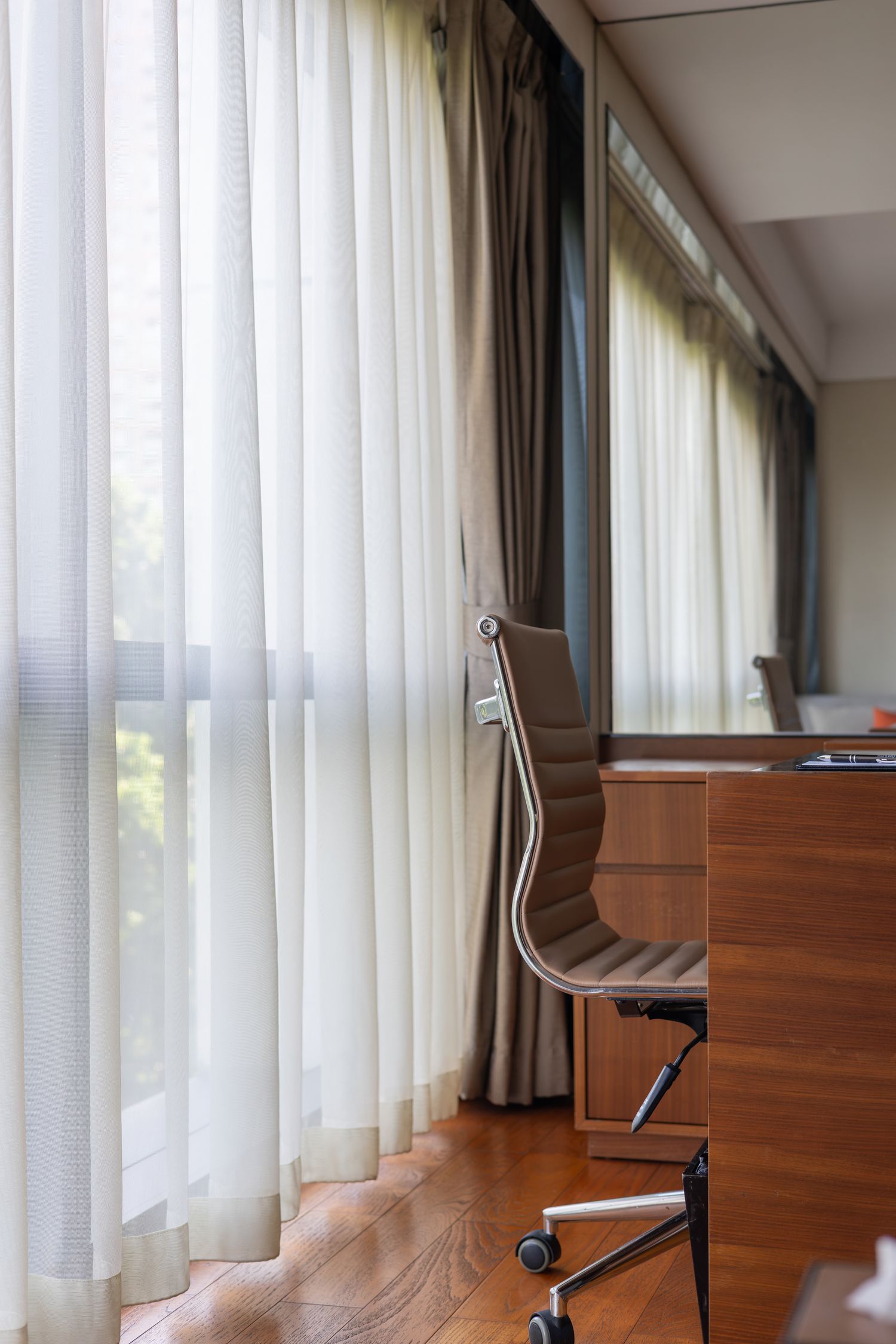
An external keyboard needs room for typing and room beside it for the pointing device. On a shallow desk, its front-to-back size and cable exit can matter as much as the familiar distinction between compact and full-size layouts.

Keep the keys you actually use
Review a normal working day and note whether you use a number pad, navigation cluster or dedicated function keys. A compact keyboard can free side space, but moving essential keys behind shortcuts may slow a task you do repeatedly. Compare the actual layout with your software rather than choosing by a percentage label alone.
For US typing, check the exact regional layout shown in the listing, including the Enter key and punctuation positions. A photograph of one version may accompany several selectable layouts. If other people share the desk, consider their familiarity too. A keyboard should not create daily confusion merely to remove a small unused strip at the edge.
Measure the whole typing area
Place the keyboard outline where it will be used and add the mouse's normal movement area. Include any wrist or palm rest you intend to keep. OSHA's keyboard guidance evaluates keyboard placement alongside the pointing device and work surface. Treat those pieces as one arrangement rather than fitting the mouse into whatever space remains afterward.
Check the cable exit, a wireless receiver and the clearance needed to move the keyboard aside. A stiff rear cable can add depth that is absent from the housing measurement. If the desk has a pullout tray, measure usable clearance with the tray closed as well as open. Tall keys or raised feet can catch beneath the desktop.
Try the working angle
Do not automatically extend the rear feet to their highest position. Try the available angles with the chair and desk you use, following a position that keeps the setup comfortable and controllable. Key height and the front edge of the case affect how a separate rest fits. A thick rest chosen by appearance may be poorly matched to a slim keyboard.
Type a familiar paragraph and use the shortcuts that matter in your work. Listen to the key sound in a shared room and check whether the board slides during ordinary use. Switch feel is personal; a promotional description does not substitute for a trial. If possible, try the keyboard for more than a few isolated key presses.
Check the connection and daily upkeep
Verify operating-system support and whether special keys require software. A wireless receiver may use a different pairing system from another accessory of the same brand. Check battery replacement or charging access, and the instructions for cleaning between keys. Keep the final choice tied to the desk layout: useful keys, enough movement space and a connection routine you can repeat without rearranging the whole surface.