Headsets for regular video calls
For regular video calls, a headset should make joining, muting and listening predictable. The microphone and controls deserve as much attention as the ear cushions, especially when the same headset moves between work and personal devices.
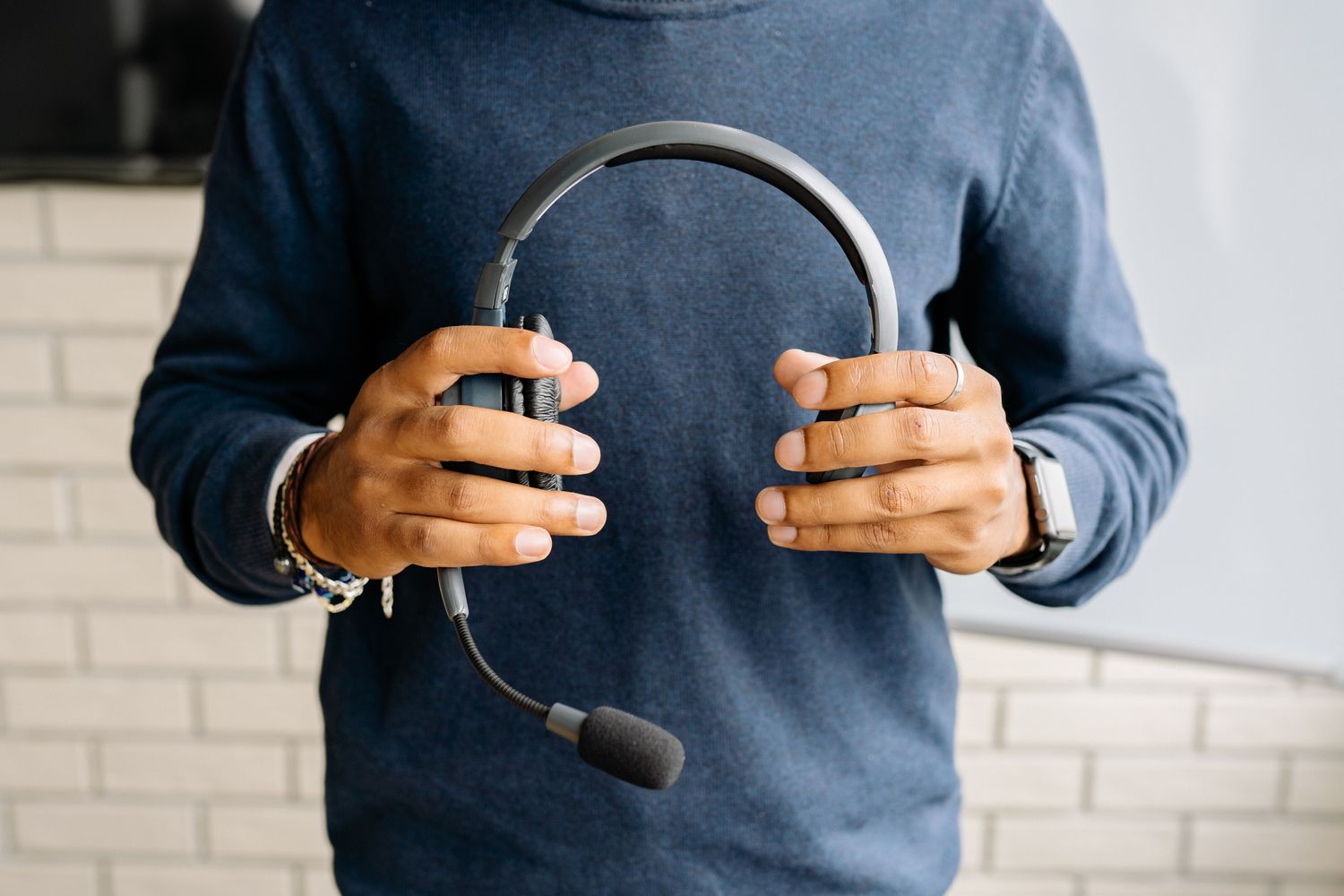
Follow a complete call routine
List the steps you repeat: connect the headset, choose it in the app, adjust volume, mute briefly and finish the call. Check whether the proposed controls support those actions clearly. A small mute light is less useful if you cannot see it while wearing the headset. An audible prompt can help, but it should be understandable and not unexpectedly loud.
Try the actual conferencing application rather than relying only on a general compatibility statement. Hardware mute and the application's mute indicator may not behave identically with every setup. Make a test call and confirm what the other person hears. Keep the procedure simple enough that you can verify the microphone state before an interruption.
Check the connection between devices
Decide whether the headset will stay with one computer or switch among a computer, phone and tablet. Read the supported connection methods and the exact switching procedure. A USB receiver, Bluetooth connection and analog plug can provide different functions. A connector fitting a device does not establish that microphone controls and call buttons will work.
For a wireless model, check charging access, battery-status indications and whether use while charging is supported. A stated maximum runtime is less relevant than completing your ordinary call schedule under its actual conditions. Keep a suitable fallback for important calls if the headset is the only audio device available, without assuming a spare cable can operate every wireless model.
Try the fit while talking
Wear the headset with your usual glasses and move as you would during a call. Check headband pressure, earcup position and the microphone's adjustment. A boom should remain in the intended place without requiring repeated correction. A one-ear design leaves one ear uncovered, while a two-ear design changes how the room is heard; choose by the shared-space routine.
Speak at an ordinary level and listen to a sample recording. Check keyboard sounds and room noise without treating noise-reduction advertising as a guarantee of silence. If the headset lets you hear your own voice through monitoring, try the setting before deciding whether it helps. The useful result is clear conversation without constantly compensating for the equipment.
Read cleaning instructions and look for replacement pads where relevant. Give the headset a resting place that does not stretch its band or trap the microphone boom. After a trial session, note whether any control or pressure point repeatedly interrupts your attention. Those observations are more useful for a purchase decision than a long list of rarely used call features.