USB-C cables beyond connector shape
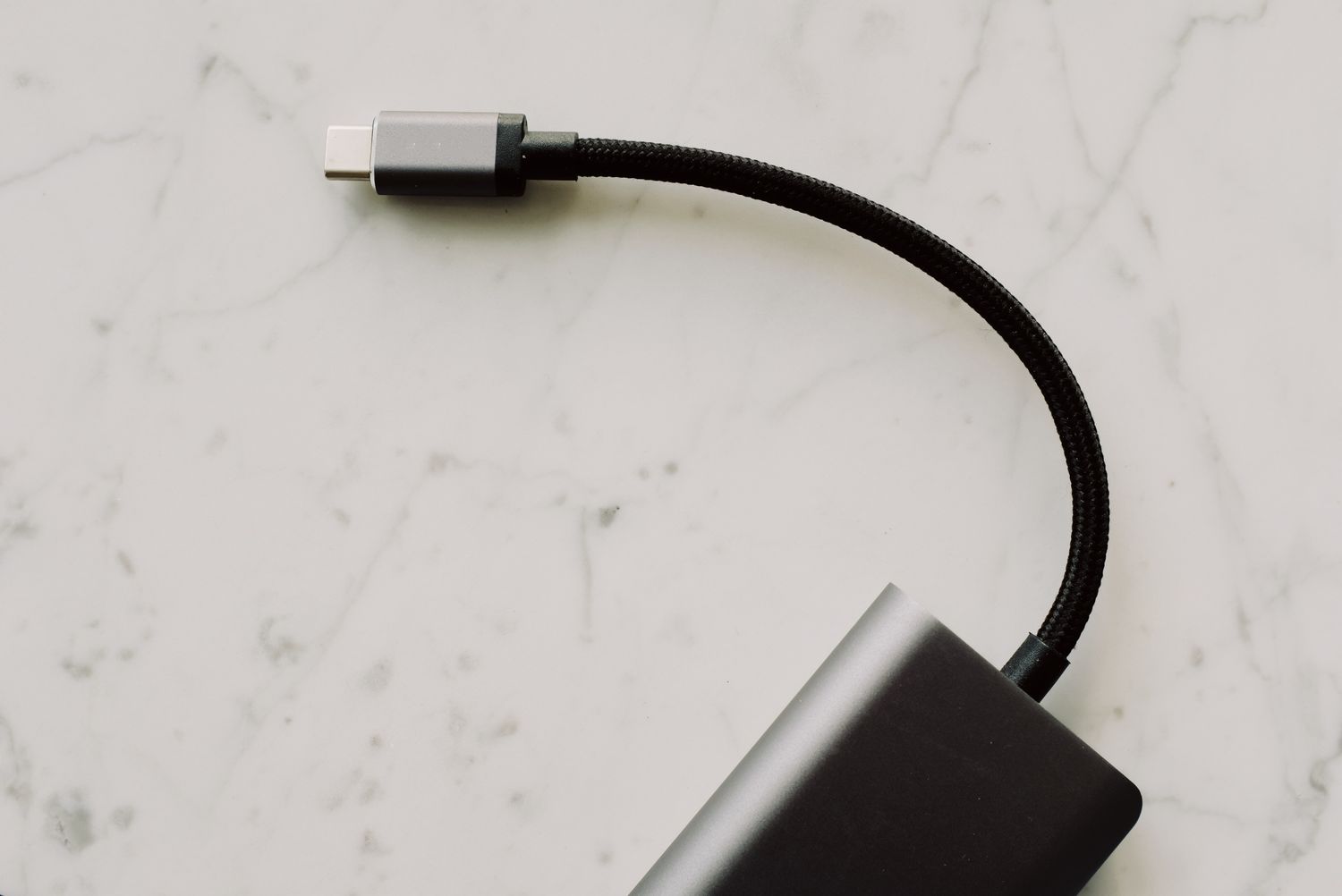
A USB-C plug describes the connector shape, not every job the cable can perform. Choose a cable by the device, the task and the required length before comparing its finish or braided covering.
Start with one task
Write down the connection you actually need: charging a phone beside the sofa, copying photographs to a drive, or linking a laptop to a display. These tasks can require different cable capabilities even when the plugs fit the same ports. A useful product description names supported power and data performance separately instead of relying on the connector photograph.
Check the specifications of both devices. A cable cannot add display output to a port that lacks it, and an external drive will not exceed the capabilities of the slower part of its connection. For a display or dock, look for the manufacturer's stated cable requirements rather than treating a charging cable as a suitable substitute.
Read the markings separately
USB-IF's cable marking guidance separates power capability from data rate. This is why a prominent wattage marking should not be read as a promise of fast file transfer. Compare the stated data specification as well as the charging rating, and retain the packaging or product record when the small markings on a cable are difficult to read.
For charging, the power adapter, cable and device must support a compatible combination. Buying a higher-rated cable does not force a phone to draw that amount of power. Equally, choosing a cable only because it came with another device does not establish that it supports the needs of a more demanding laptop.
Measure the usable route
Measure from the port to the actual resting position of the device, including the route around a desk edge. Leave enough slack to move the device without pulling its socket, but avoid creating a large coil where a chair can catch it. A very stiff cable may be awkward on a light phone stand even if its nominal length is correct.
Inspect the plug housing dimensions when a thick case or a recessed port is involved. Right-angle plugs can reduce projection in one arrangement while pointing the cable into an obstruction in another. Check the direction with the device in its normal position, not just with a loose cable on the table.
Keep identification simple
Label cables by their known role when several look identical. A small tag saying display, drive or bedside charging is more useful than trying to remember which black cable came from which box. Keep the original specifications somewhere accessible before discarding the packaging.
On arrival, try the intended task during the return period and inspect for a secure, unforced fit. Replace damaged or unreliable cables rather than repeatedly bending them until a connection returns. A successful charging test alone does not verify data transfer or display support.