Card readers for photo transfers
A card reader should match the memory card already in your camera and the port on your computer. Start with the lettering on the card rather than buying the reader with the largest number of slots.
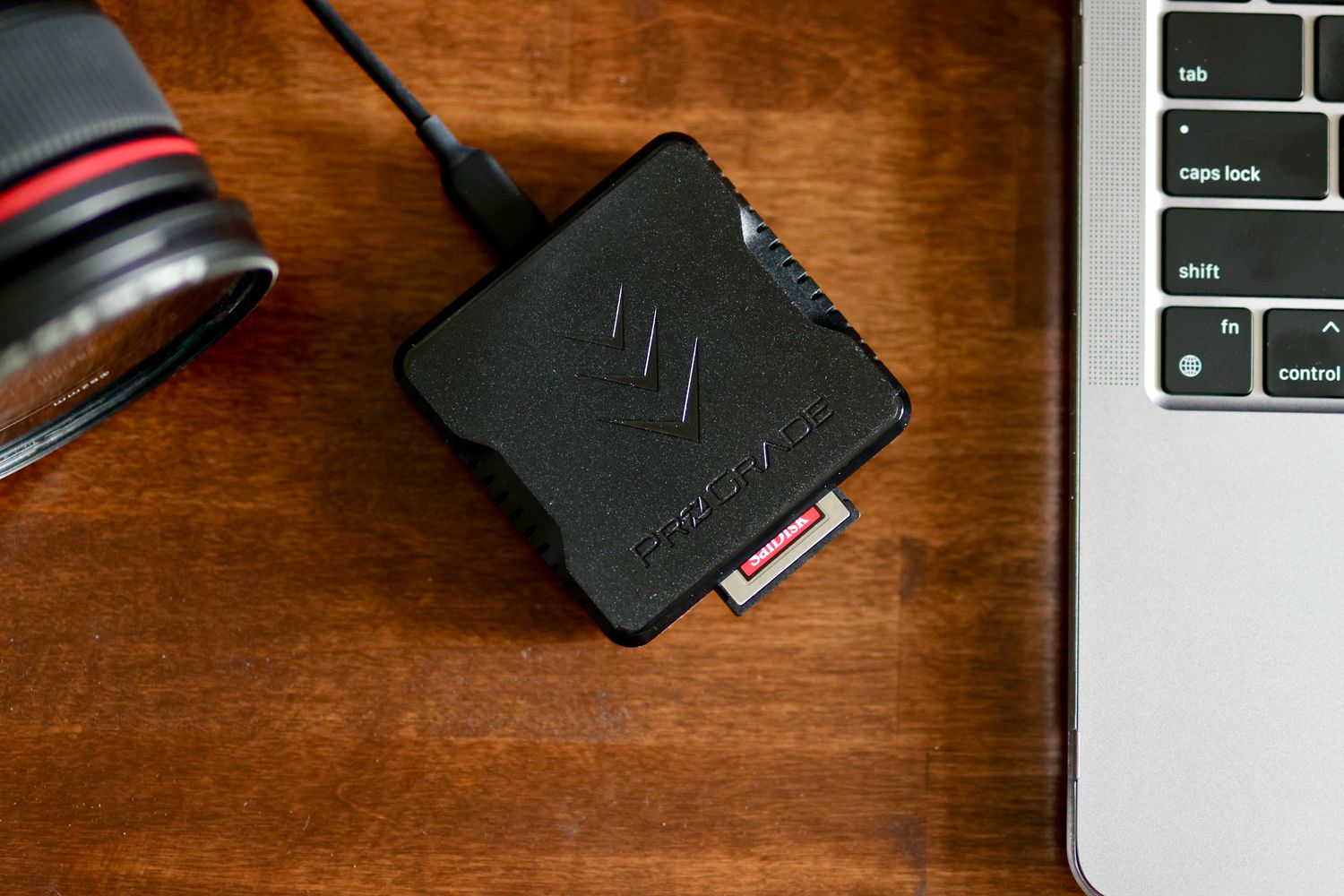
Read the card's full designation
Record whether the card is SD, SDHC, SDXC or another format, along with its physical size and any interface markings. The SD Association describes compatibility by card family: for example, an SDXC card needs a host that supports SDXC or a compatible newer family. A slot shaped for a full-size SD card does not by itself establish support for every card placed into it.
If you use microSD through an adapter, include that adapter in the compatibility check. A reader with a direct microSD slot can remove one separate piece, but only if it supports the particular card. Do not force an unfamiliar card into a slot or infer the insertion direction from another reader's layout.
Follow the complete connection
The reader's card interface and its computer connection are different parts of the path. The SD Association distinguishes interfaces such as UHS-I and UHS-II; support must be checked in the reader's specifications. A high-speed card cannot demonstrate its full capability through an incompatible or slower connection just because the card physically fits.
Check whether your computer needs USB-A, USB-C or an approved adapter. For a cable-attached reader, measure enough reach to place it securely on the desk. For a rigid plug-in reader, consider whether its body blocks another port or creates an awkward projection beside a laptop you frequently move.
Extra slots are useful only when they correspond to cards you own or realistically expect to use. If two cards need to be read at once, confirm that simultaneous access is supported rather than assuming it from the number of openings. A simpler reader with clear labeling can be easier to manage during a quick photo import.
Set up an import routine
Create a destination folder before starting the transfer and use a naming convention that distinguishes dates or projects. Copy the files first rather than immediately moving or deleting them from the card. Wait for the transfer to finish and avoid disturbing the reader while it is working.
Open a selection of the copied images, including files from different parts of the session, and check that the destination contains what you expected. For important material, make a separate additional copy before reusing the card. A progress bar completing does not replace checking that the correct files reached the correct folder.
Use the computer's appropriate removal procedure, then return the card to its protective case or camera. Follow the camera manufacturer's instructions when preparing it for reuse. Keep card maintenance separate from a hurried import so that an accidental formatting action does not happen while you are still deciding which copies are complete.
Keep small parts together
Store the reader, any adapter and a short note of their supported formats in the same pouch. Avoid leaving exposed cards loose with keys or other objects. If transfers become unreliable, inspect the connection and consult the device guidance rather than repeatedly inserting the card at different angles. A clear workflow is as important as the reader's advertised speed.