Digital photo frames and local uploads
A digital frame should fit the way your photographs are stored. Before comparing screen sizes, decide whether you want files to stay on removable storage, to copy directly into a frame or to travel through an online service.
Define what local upload means to you
The phrase 'upload from a computer' can describe very different arrangements. A browser uploader may still send photographs through the manufacturer's cloud service. Aura's web uploader, for example, is an online tool for adding computer files to a frame. It is not the same as inserting a memory card directly into an offline frame.
If keeping the transfer entirely local matters, look for explicit documentation of USB, memory-card or local-network import and offline playback. Check whether an account or internet connection is required for initial setup, continued display or changing settings. Do not infer an offline mode merely from a storage-capacity figure in a sales listing.
Try a small, varied photo set
Prepare a folder containing a landscape photograph, a portrait, a group picture and an image with important detail near an edge. These reveal how the frame handles cropping and orientation. Look for controls that preserve the full image when a filled screen would cut off a person's head. A larger display does not automatically solve a mismatch between the photo and screen proportions.
Check accepted file formats and any size limits before copying a large archive. Keep the original photographs elsewhere and make a separate folder for display copies. A frame should not become the only place a family image exists. Give files clear names if the device uses them to determine slideshow order.
Account for the person maintaining it
A frame for your own desk can rely on controls you understand; a gift should match the recipient's available phone, network and comfort with accounts. Ask who will add and remove photographs and how permissions are managed. Shared contributions are convenient only when the owner can understand who has access and stop unwanted uploads.
Read how photographs are deleted from the frame and, where relevant, the online account. Check whether resetting the hardware also removes cloud content or whether a separate action is needed. If an online service changes its features, the frame's dependence on that service matters more than a decorative border choice.
Give it a workable place
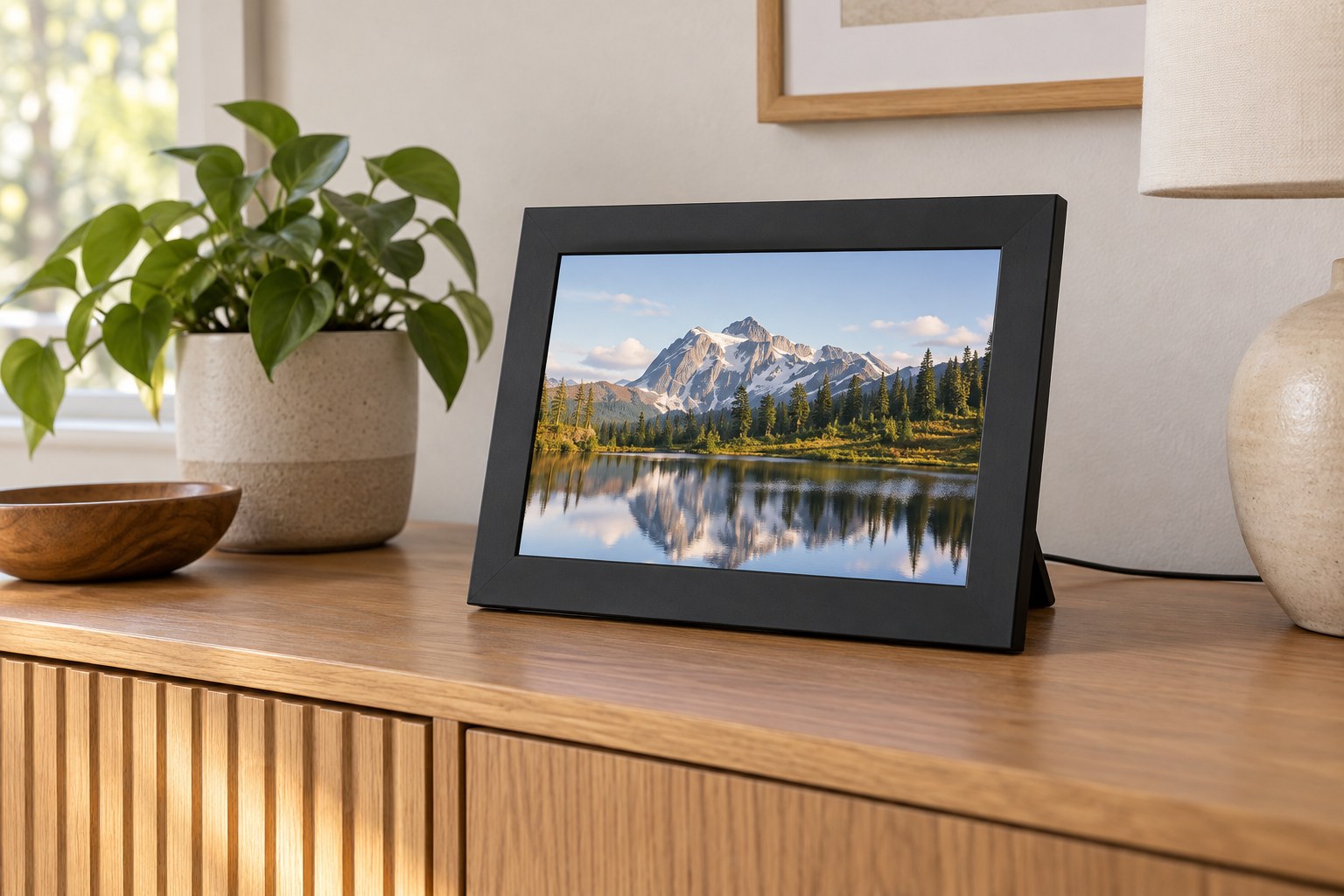
Measure the shelf with the stand extended and the power cable connected. View the screen from the usual chair, not only straight in front of it. Check scheduled sleep or manual dimming so the display does not remain brighter than wanted in the evening. A successful frame has both an easy photo-transfer routine and a place where people naturally look at the pictures.