Earbud cases and everyday storage
For wireless earbuds, the charging case is part of the device rather than just packaging. A separate protective cover should make that case easier to carry without obstructing its lid, charging connection or everyday cleaning.
Identify the case before buying a cover
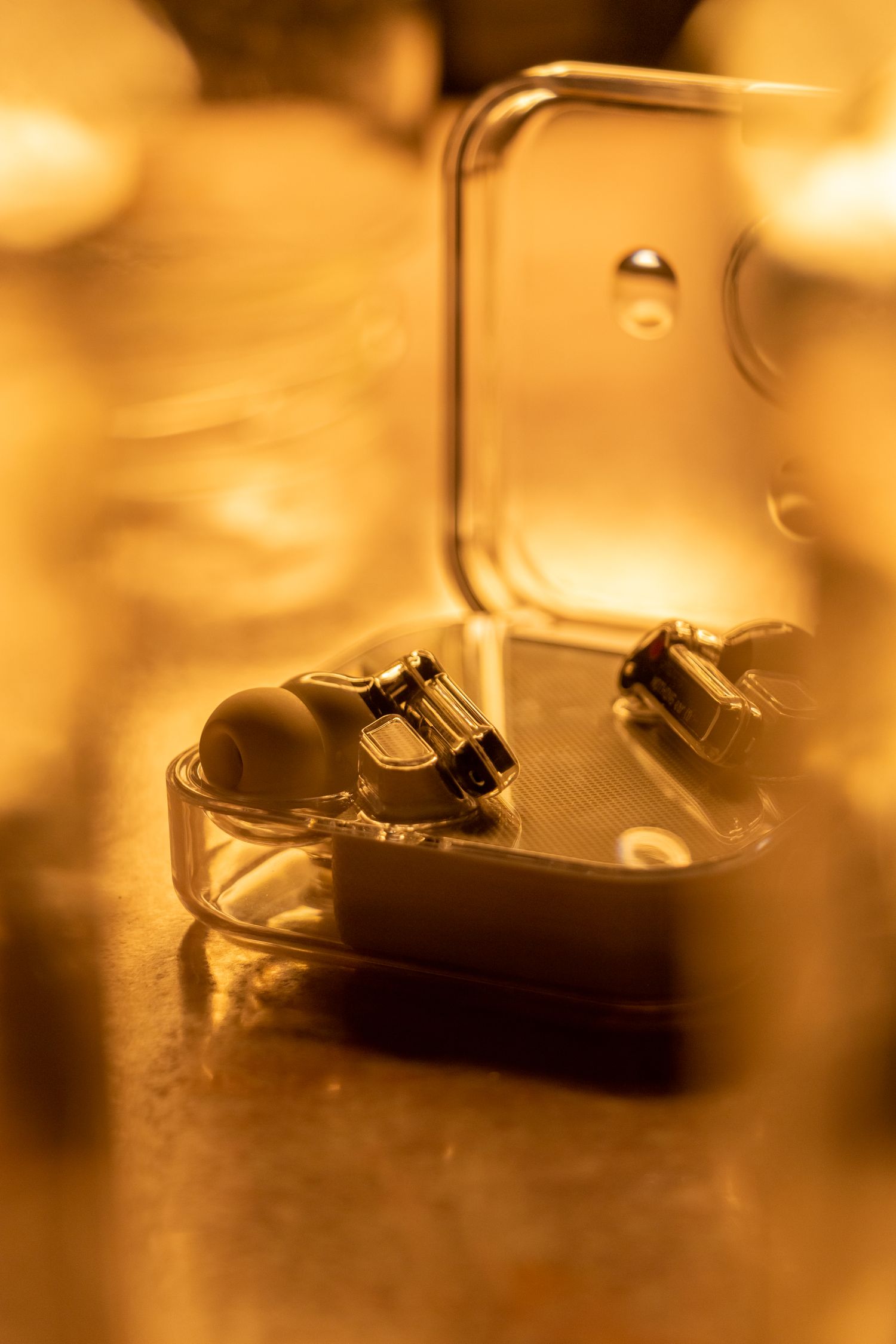
Use the exact earbud model and case generation when checking compatibility. Similar-looking cases can place charging ports, lights and pairing buttons differently. Compare the product drawing with the case in your hand. A cover advertised for a family of earbuds is less informative than a clear list of supported versions.
Open the lid fully with the proposed cover fitted, if you can try it. Check that the top section stays attached and does not push against the hinge. A thick cover may fit the lower shell while preventing the lid from opening comfortably. Leave the status light and any button accessible enough to use without removing the cover every day.
Choose the carrying method
A pocket needs a different shape from a clipped bag attachment. Soft material may feel pleasant but pick up lint; a rigid cover adds bulk and changes how the case fits in a narrow pocket. Think about the actual pocket or bag compartment rather than selecting a shape solely from a close-up photograph.
If a clip is included, inspect where it attaches and whether the closure is easy to check. Do not treat a decorative clip as a guarantee against losing the earbuds. A dedicated zipped compartment can be simpler for daily transport, particularly when the case is removed several times on a commute. Keep keys and loose grit away from the charging connection.
Leave room for the real charging routine
Check access using your own cable, including its connector housing. A cutout can look large enough but still prevent a broad plug from seating properly. If you use wireless charging, consult both the case and cover specifications for compatibility and test the exact combination. Do not assume any thin-looking cover is suitable for every charging arrangement.
Keep the charging case dry according to its manufacturer's instructions. Apple's AirPods guidance, for example, calls for a soft lint-free cloth and warns against liquid entering charging ports. Instructions vary by model, so a water-resistance claim for the earbuds should not be transferred automatically to an accessory cover or a different case.
Make inspection easy
Remove the cover periodically to look for trapped dust or moisture and follow its separate care instructions. Let cleaned parts dry as directed before reassembly. A protective accessory is easier to live with when it can be removed without tools or excessive stretching. If it makes the hinge, connector or cleanliness harder to check, a small pouch may suit the routine better.