HDMI cables for an existing display
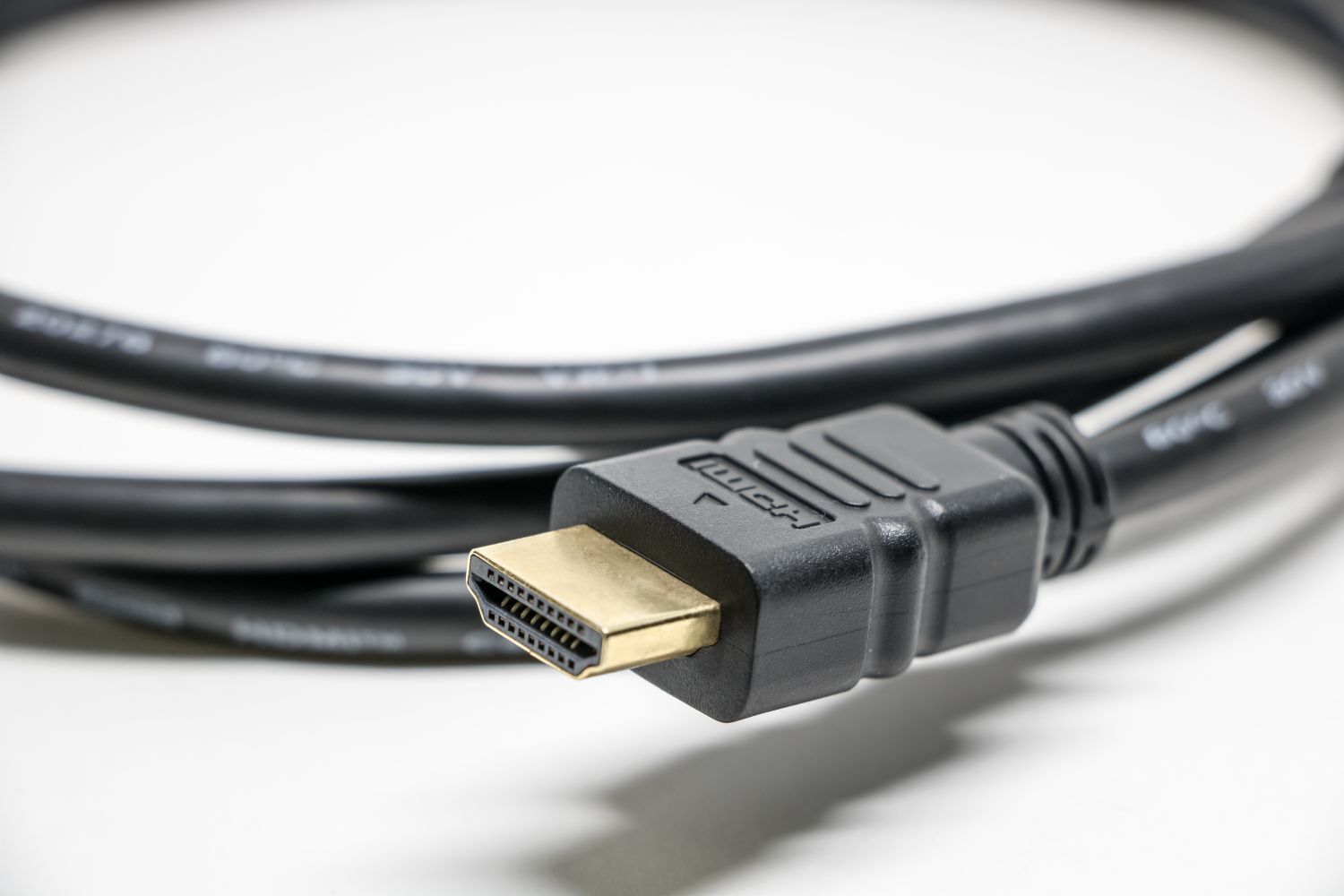
An HDMI cable should match the display mode you intend to use and the route behind your furniture. A higher number on the packaging is less useful than knowing the source device, display and required cable length.
Write down the intended picture mode
Identify both ends of the connection before shopping. Record the exact television or monitor model, the source device and the resolution and refresh rate you want to select. Check the manuals for which input supports that combination. Different ports on one display can have different capabilities, so the presence of an HDMI socket is only the beginning of the check.
Read cable categories rather than assuming a broad marketing phrase guarantees compatibility. HDMI Licensing Administrator describes Premium High Speed cables for bandwidth up to 18 Gbps and Ultra High Speed cables for up to 48 Gbps. Its certification labels provide a way to verify participating products. Match the required category to the documented setup instead of paying for a feature the equipment cannot use.
Measure around the furniture
Run a loose piece of string along the planned route, including the drop behind a cabinet and enough slack to bring a device forward for access. Do not measure only the straight distance between sockets. Check the clearance behind a wall-mounted screen: a long rigid connector housing can be a greater obstacle than the cable itself.
Avoid solving a tight bend by forcing the plug sideways. If a right-angle solution is needed, check its orientation and documented capabilities as another component of the signal path. Some active or optical cables are directional. Read the source and display markings before routing one behind furniture, where reversing it later could mean dismantling the entire arrangement.
Keep a working cable until a test says otherwise
A cable that already supports the required display mode does not need replacing simply because a new category appears. First select the intended mode in the device settings and look for a stable image during normal viewing. If a picture drops out, check firmly seated plugs and the correct input before assuming the display needs an expensive upgrade.
For diagnosis, simplify the path. Temporarily remove an adapter, switch or receiver and connect the source directly if the equipment allows it. Change one component at a time so the result means something. Keep the packaging and model details until you have checked the setup with the content and settings you actually use.
Label the route, not every feature
A small label such as 'console to television input 2' is usually more useful behind a cabinet than a list of specifications. Leave a gentle service loop and accessible connectors. Store a spare loosely rather than sharply folded around its plug. This makes later troubleshooting easier without turning the entertainment area into a collection of unnecessary replacement cables.